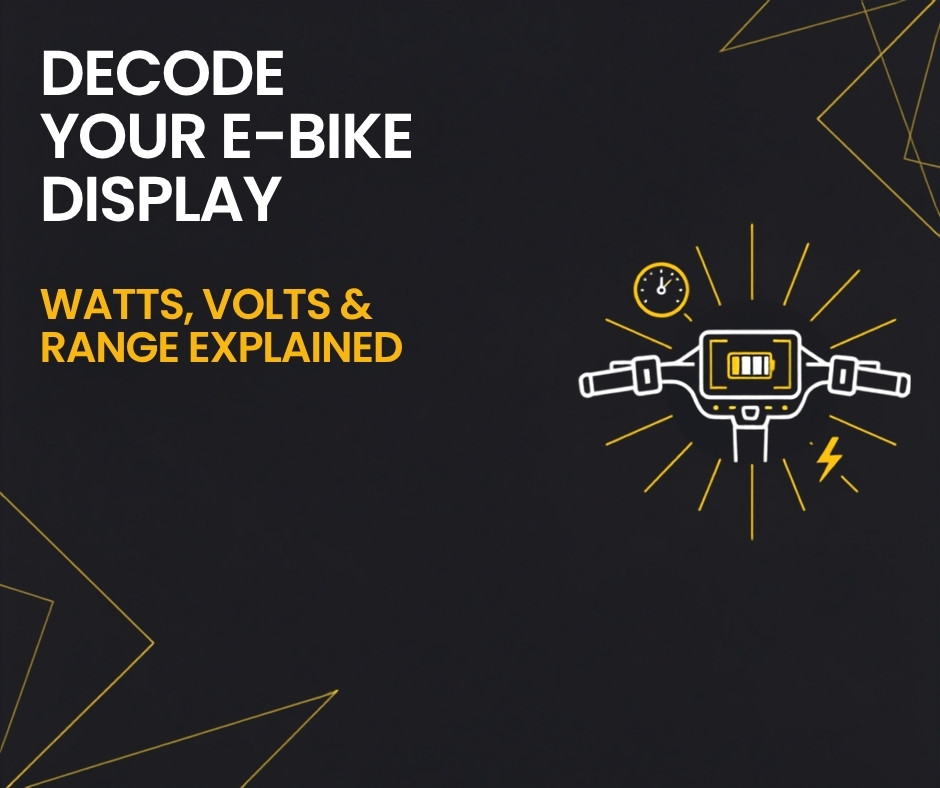
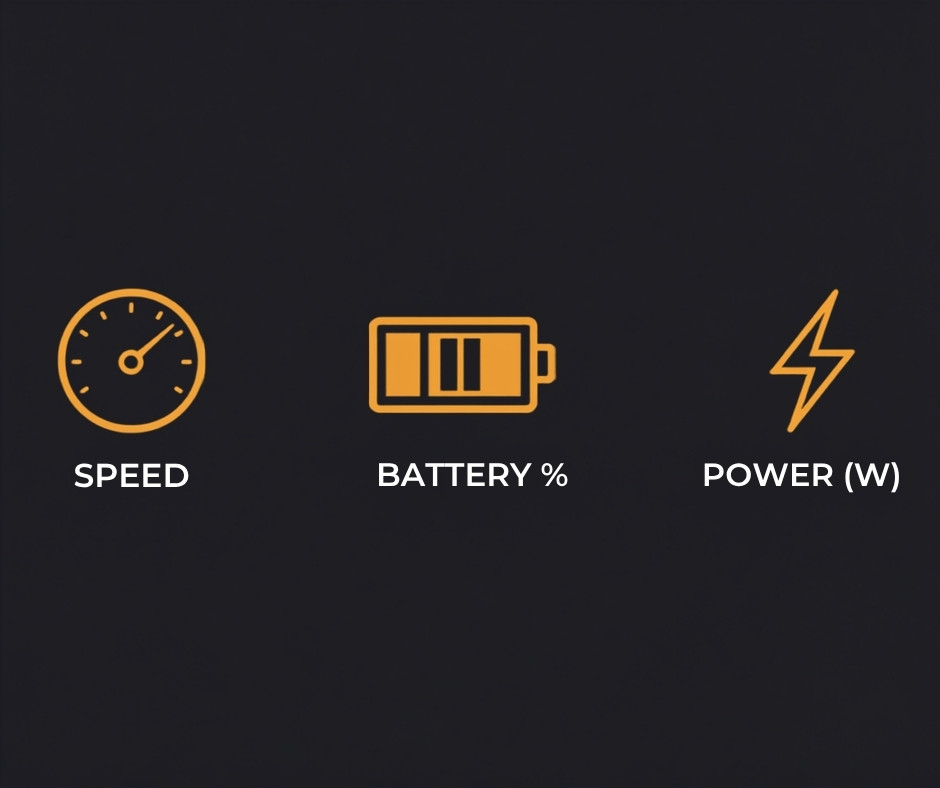
Your e-bike display shows five numbers that matter: speed, battery state of charge, real-time power in watts, your assist level, and trip data (distance, watt-hours used and an estimated range). None of these are fixed specs printed on a sticker — every one is a live sensor reading, translated by your controller and updated several times a second, which is exactly why they jump around as you ride. Here at Cyberbikes in Leichhardt we get asked “what does this number actually mean?” almost every day a new rider walks in, so let’s decode the whole dashboard properly, using the engineering documentation published by Grin Technologies (ebikes.ca) — the company behind the Cycle Analyst, one of the most thoroughly documented e-bike displays in the world.
What do the main numbers on an e-bike display actually show?
Every e-bike display is a simplified window into the same handful of live readings. Before we go deep on each one, here is the quick reference:
| Number on screen | What it actually measures | Why it moves around |
|---|---|---|
| Speed (km/h) | Wheel or motor rotation timed by a speed sensor | Depends on correct wheel-size and magnet-count settings |
| Battery % | Pack voltage converted to a state-of-charge estimate | Voltage sags under load and follows a non-linear discharge curve |
| Power (W) | Volts × amps, measured live at the controller | Changes instantly with throttle, terrain and cadence |
| Assist level (1–5) | A preset the controller uses to decide how much help to give | Not a wattage — the same level can draw different power on a hill |
| Trip / Wh / range | Accumulated distance, energy used, and a rolling range estimate | Range recalculates from your recent riding style, not a fixed number |
What does the “W” or power number actually mean?
The watts figure on your screen is simply volts × amps, measured live at that exact instant — it is not a rating, and it is not fixed. As Grin Technologies (ebikes.ca) puts it bluntly, “there is no such thing as a rated watt”: a motor makes almost no power freewheeling, then draws more current and more power the moment you load it up a hill, right up until the controller’s current limit or the motor’s heat limit steps in. So a display reading of 700W on a “250W” e-bike is completely normal and legal — 250W is the continuous rating your motor can sustain forever, while the number flashing on your screen mid-climb is a short, legitimate peak.
Grin’s own flagship display, the Cycle Analyst V3, dedicates an entire screen to exactly this: a live readout of “Volts, Watts, Amps, and Amp-Hours” with nothing else on it, precisely because riders and technicians want to see the raw electrical picture without any interpretation layered on top. Cheaper displays on Bafang and similar systems condense the same physics into one number, but the underlying maths never changes.
What does your battery percentage actually mean?
Battery percentage is not a direct measurement — it is an estimate. Your display reads the pack’s live voltage and converts it into a state-of-charge percentage using a lookup curve for your battery’s chemistry. Grin’s documentation on the Cycle Analyst explains that a Li-ion cell has “a somewhat steady drop from 4.2V down to 3.6V and then a more rapid fall-off to 3.0V” as it discharges. That non-linear shape is exactly why your battery bar can seem to sit at “half” for what feels like ages, then drop the last two bars quickly near the end — it is following the cell chemistry’s real voltage curve, not draining in a straight line.
It also explains why the number can wobble under load. Every battery has internal resistance, so voltage genuinely sags the instant you pull hard on the throttle or grind up a hill, then recovers when you ease off. A display reading a momentary sagged voltage can show a lower percentage for a second or two even though very little actual energy has been used — which is also the mechanism behind a low-voltage cutoff protecting a nearly empty pack, as we cover in our guide to why an e-bike cuts out.
What does the Wh used and range estimate actually mean?
Watt-hours (Wh) are the true measure of energy, and most good displays show two related figures: the net Wh you have drawn from the pack on the current trip, and your energy “mileage” in Wh/km. Grin describes this Wh/km reading as “the EV equivalent to gas mileage in L/100km — the smaller the number, the better energy economy and longer range you’ll get from a battery pack.” A range estimate on your screen is simply your remaining watt-hours divided by that recent Wh/km figure, which is exactly why the same battery can show 40km of range one minute and 55km the next: it is recalculating based on how you have actually been riding, not a fixed factory number.
This is also why two riders on an identical bike get very different real-world range. The 2026 Cyberbikes Centauro runs a 48V 25Ah (1,200Wh) Samsung lithium-ion battery, UL 2271-certified — a genuinely large pack for a commuter e-bike — but whether that delivers 60km or 100km comes down entirely to assist level, speed and terrain, which we break down fully in our definitive guide to e-bike batteries and our post on why faster e-bikes drain the battery.
What does the assist level (1–5) number actually control?
Here is a common misconception: assist level is not a wattage. According to Grin’s pedal-assist engineering notes, a controller can run assist levels in different modes — constant power, where each level targets a fixed number of watts whenever you pedal, or constant throttle, where each level effectively caps your speed rather than your power draw. Either way, the number you select is really an instruction to the controller about how aggressively to respond to your pedalling or throttle input, not a promise of a specific wattage on the display. That’s why “level 3” can show 150W cruising on the flat and 500W on the same level climbing a hill — the level sets the response curve, and the terrain sets the actual number.
Why does your display suddenly flash, dim, or limit power?
Most e-bike displays flash a number or icon when the controller hits a protection limit, and understanding which limit trips explains almost every “my e-bike feels weak” complaint we get in the workshop. Grin’s Cycle Analyst makes this explicit with a diagnostic screen showing which control loop is currently active: speed limiting, current (amp) limiting, power (watt) limiting, low-voltage rollback, or thermal rollback as the motor heats up. Simpler Bafang-style displays don’t show all five flags individually, but they are enforcing the exact same five limits underneath — a flashing speed reading usually means you have hit the legal 25 km/h pedal-assist cutoff, while a sudden loss of power under load usually means a voltage or thermal limit has kicked in to protect the battery or motor. We cover all six real causes of a sudden power loss, including the connector and sensor faults a flag alone can’t diagnose, in our guide to why your e-bike cuts out.
What do Bafang error codes on the display mean?
An error code (like the common “Error 30” on Bafang systems) is a different animal to a flashing limit — it means the controller has lost a signal it needs to run safely, most often the communication link between the display and controller, or one of the motor’s internal hall sensors. Rather than quietly rolling back power, the system stops and reports a specific fault code so a rider or technician knows exactly where to look. If your display is throwing a numbered error rather than just flashing a normal reading, that’s a wiring or sensor issue, not a power limit — our workshop walks through a real Error 30 repair in the video below.
Watch: making sense of the numbers your display never quite explains
Displays are great at showing raw numbers but rarely translate them into something you actually feel, like running cost. Here’s a short Cyberbikes explainer on turning watt-hours into the figures that matter at the end of the week:
How accurate is your trip distance and average speed?
Only as accurate as two settings buried in your display’s setup menu: wheel size and sensor pole count. Grin’s Cycle Analyst documentation is direct about this — “wheel size and poles settings must be correct for an accurate speed display,” and the most reliable way to check wheel circumference is to mark the tyre, roll it forward one full rotation, and measure the distance on the road. Fit a different tyre size without updating that setting, or knock a speed magnet out of position, and your odometer, average speed and even your legal 25 km/h cutoff can all read slightly wrong — worth a two-minute check if your numbers ever feel off.
What display setup does the Cyberbikes Centauro use?
Every Cyberbikes Centauro leaves our Leichhardt workshop with its display calibrated to the correct wheel size and tuned to NSW limits: 250W continuous from the rear hub motor, pedal assist tapering out at 25 km/h, and throttle capped at 6 km/h. Paired with the 48V 25Ah (1,200Wh) Samsung battery, the display gives an honest, correctly-calibrated read on speed, charge and power — which matters far more for day-to-day riding than any single flashy number.
Frequently Asked Questions
Why does my e-bike display show more watts than my motor’s rating?
Because the watts on your screen are a live reading of volts × amps at that instant, not a fixed rating. A 250W motor is rated for continuous, sustained output, but it can safely show 500W, 700W or more for the few minutes it takes to climb a hill before settling back down. Seeing a number above the motor’s rating briefly is normal and legal.
Why does my battery percentage drop quickly near the end of a ride?
Lithium-ion cells discharge in a curve, not a straight line. Voltage falls slowly through the middle of a charge, then drops off more quickly near empty. Because your display estimates percentage from voltage, the last couple of battery bars often disappear faster than the first few, even though the underlying energy use is steady.
What’s the difference between a flashing limit and a numbered error code?
A flashing reading such as speed or voltage usually means the controller is deliberately rolling back power to stay legal or protect the battery and motor from damage. A numbered error code, like Bafang’s Error 30, means a required signal has been lost entirely, most often between the display and controller or from a motor hall sensor, and needs a wiring or sensor fix rather than just easing off the throttle.
Want a display you can actually trust the numbers on? Come in for a test ride at Cyberbikes, 281 Parramatta Road, Leichhardt, browse the Centauro e-bike at cyberbikes.com, or ask about our rent-to-own plans from $99/week. Call us on 0491 794 668 or visit Tuesday–Saturday.
#Cyberbikes #eBikeSydney #electricbikeLeichhardt #CentauroEbike #eBikeTech #eBikeDisplay #Sydney